A year ago, most people used AI the way they used a search box: type a question, read an answer, move on. Today the best AI agents open a browser, edit a codebase, sort an inbox and keep working after you close the laptop. That shift is the reason this guide exists. Below are 15 of the best AI agents to try in 2027, split into coding agents, everyday work agents and the agent frameworks you can use to build your own. If you would rather make one than rent one, there is also a practical walkthrough on how to build an AI agent.
What AI Agents Actually Are (and Why They Matter Now)
A chatbot answers you. AI agents do things for you. The cleanest definition comes from Anthropic’s engineering team, which separates workflows, where code decides the path, from agents, where the model directs its own process and tool use. You give an agent a goal, it plans the steps, uses tools, checks its own work and comes back with a result.
Two things changed this year. First, every major AI company now ships its own agent, so the choice is real. Second, AI agents moved into tools people already use: the terminal, the browser, Gmail, Slack and Microsoft Teams. That is good news if you want results quickly, and slightly overwhelming if you are trying to pick one. Hence this list.
How We Picked the 15 Best AI Agents
We did not run lab benchmarks, and we will not pretend otherwise. This list comes from comparing official product pages, published pricing and independent reviews as of November 2026. Every one of these AI agents had to meet four tests:
- It takes action, which is what separates AI agents from chatbots.
- It is live and available to try, even if access is limited.
- It has a clear job it does better than the rest.
- Its cost is published, or we say plainly that it is not.
Prices for AI agents move fast, so treat every figure as a snapshot and confirm on the official site before you pay.
The Best AI Coding Agents for Developers
Coding is where AI agents are most mature. A good AI coding agent does not just autocomplete a line. It searches your repository, changes several files, runs the tests and fixes what breaks. These four AI agents cover the main ways developers like to work.
1. Claude Code: Best AI Coding Agent for Hard, Multi-File Work
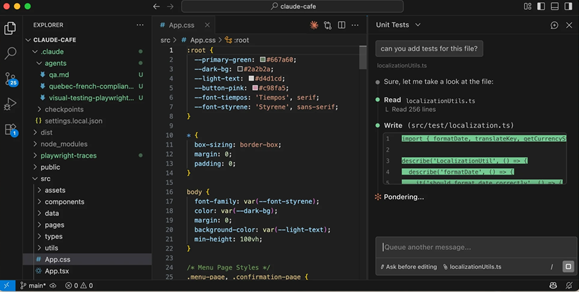
Claude Code is Anthropic’s terminal-based agent. It searches your code, edits files, runs tests and commits to GitHub, and it can even drive Chrome to test a web app and read console logs. Roundups published through 2026 keep naming it a top pick for large refactors and bug fixes that run from error message to pull request. It comes with paid Claude plans starting at $20 a month on Pro, though people who use it all day often end up on a Max plan because long sessions burn through the allowance. Best for developers who want to hand over whole tasks, not snippets.
2. OpenAI Codex: Best for Handing Off Tasks to the Cloud
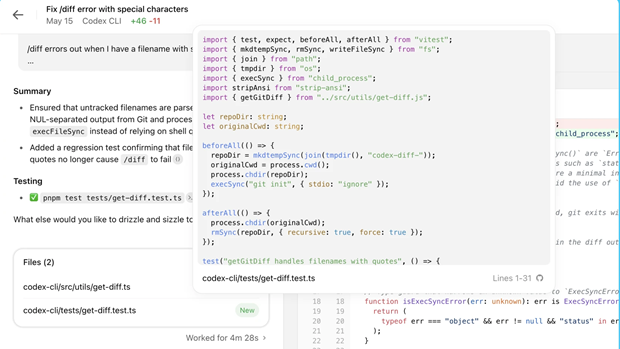
Codex is OpenAI’s entry among coding AI agents, available in a terminal-first CLI and inside the ChatGPT desktop app. Its sweet spot is delegation: give it a task, let it work in the cloud, and review the result when you are ready. Access comes through a ChatGPT plan or an API key. If you already pay for ChatGPT, this is the lowest-friction way to try an agent on real code.
3. Cursor: Best for Developers Who Live in an Editor
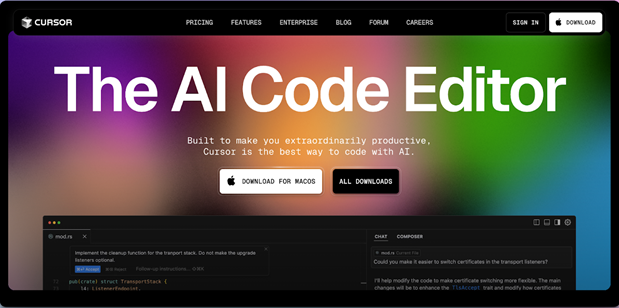
Cursor builds its AI agents into the code editor itself, so you keep the familiar layout while the agent plans and edits alongside you. Plans run from roughly $8 to $200 a month, and a free plan covers light use. It suits people who find a terminal too bare and want to watch changes land in the files they already have open.
4. Google Antigravity: Best for Running Several Agents in Parallel
Google announced Antigravity in November 2025 and, according to Wikipedia’s entry on the product, added a standalone Antigravity 2.0 desktop app at Google I/O in May 2026. In it you can run several AI agents at once, define custom subagent workflows and schedule background tasks. There is also a command line tool, an IDE and a Python SDK for building your own AI agents. It started life as a free preview, so check the current plans before committing.
The Best AI Agents for Everyday Work and Business
Not everyone wants to write code. These seven AI agents handle the browsing, inbox work, scheduling and office chores that eat the average week. Availability is patchy for several of these AI agents, so check regional access first.
5. Claude (Cowork and Claude in Chrome): Best for Files and Browser Together
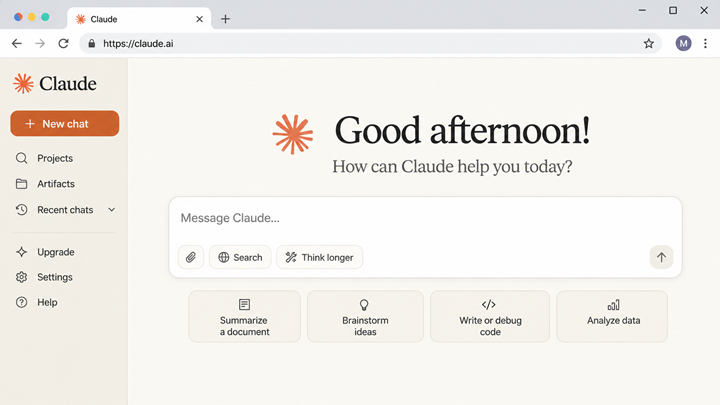
Claude works as an agent in two places at once. On your computer it can read, edit and create files in a folder you choose. In the browser, the Claude in Chrome extension became generally available on August 26, 2026, and it can click, fill in forms and move between pages using logins you already have. That mix suits jobs like turning a folder of receipts into an expense report. It needs Google Chrome, and like other browser-based AI agents it can be targeted by hidden instructions on web pages. Paid plans start at $20 a month.
6. OpenAI Dots: Best Always-On Agent for ChatGPT Users
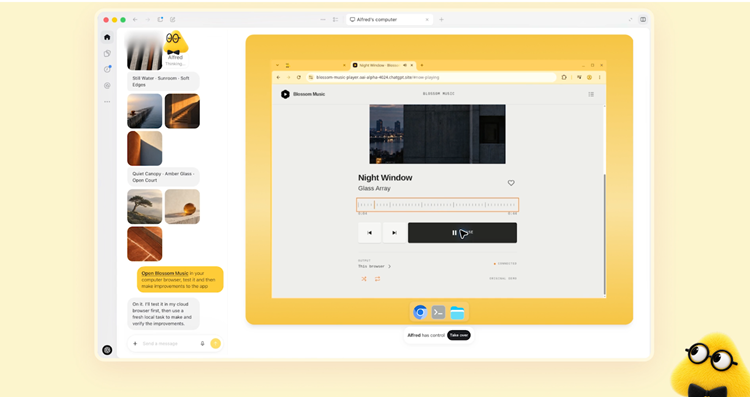
OpenAI unveiled Dots at its DevDay conference on September 29, 2026. A dot is a personal agent with its own cloud computer, working toward goals you set and tracking a project over days. You start one from ChatGPT or Codex and can message it from Slack or Teams. By default it drafts messages without sending them, and it hands control back before major payments. Per AccessibilityChecker’s roundup, it is limited to top-tier plans such as ChatGPT Pro, from $100 a month.
7. Gemini Spark: Best for People Who Live in Google Workspace
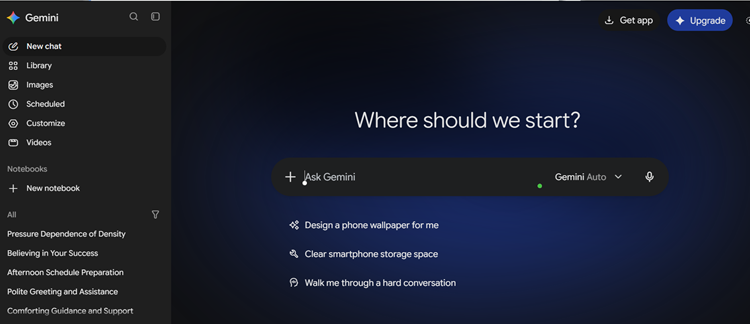
Spark is Google’s always-on personal agent, announced at Google I/O in May 2026. It runs on Google’s cloud, so it keeps working with your laptop closed, and it connects to Gmail, Docs and Sheets without setup. You can give it recurring jobs, like sorting school emails or chasing replies. It needs Google AI Pro at $19.99 a month or above, and at last check it was not offered in the EEA, the UK, Switzerland or Nigeria. If you already use Google Gemini, this is the natural next step.
8. Meta Muse: Best Free Personal Agent for Errands
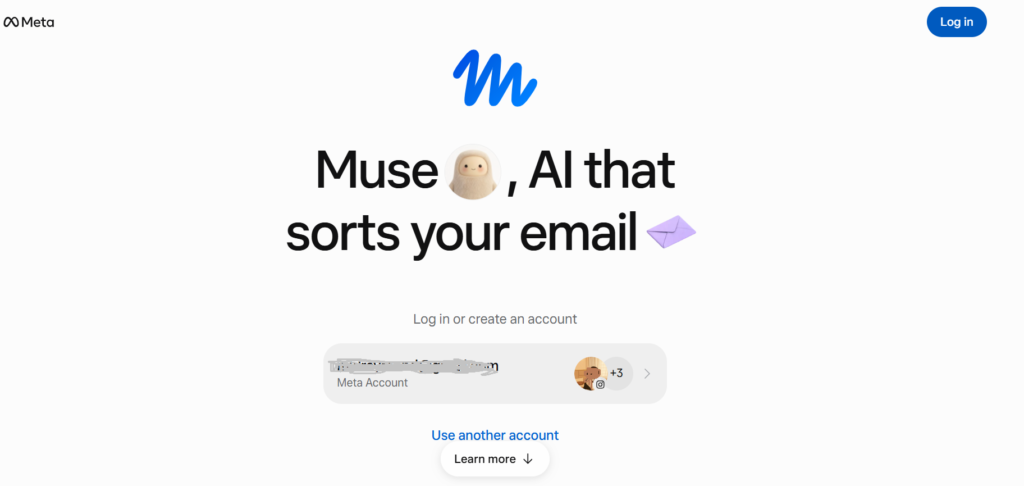
Meta launched Muse on September 8, 2026 as a personal agent for everyday admin: booking travel, filling out forms, sending email and shopping, with checkout through Link, built by Stripe. Each Muse runs on a dedicated cloud computer and asks before spending money. It is US only and for adults, the free plan has weekly limits, and paid tiers are $20 and $100 a month. Whether you trust Meta with your email and payment details is a personal call worth making before you connect anything.
9. Microsoft 365 Copilot Cowork: Best for Companies on Microsoft 365
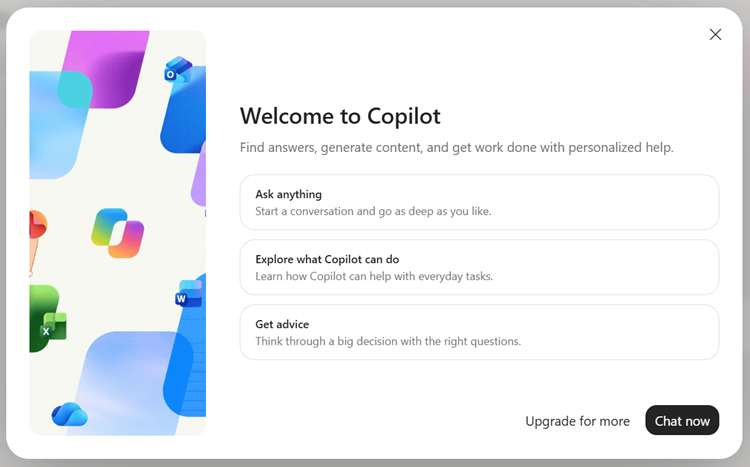
Copilot Cowork became generally available on June 16, 2026, according to Microsoft’s announcement. It handles long, multi-step jobs across Outlook, Teams, Word and Excel, such as assembling a review pack from emails, files and meeting notes, and it stays inside your company’s security boundary. The catch is cost: it needs a Microsoft 365 Copilot license at $30 per user per month, with usage credits on top. Teams already on Microsoft Copilot will find the move easy.
10. Zapier Agents: Best for Connecting Agents to Thousands of Apps
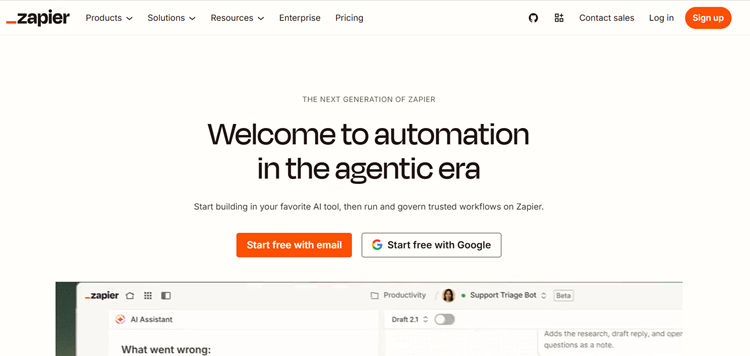
Zapier built its name on connecting apps, and Zapier Agents extends that to AI agents that decide which steps to take. It is a sensible way to create AI agents for sales follow-ups, lead routing or research without writing code. Zapier restructured its pricing in 2026 and agents are billed separately from regular workflows, so read the current pricing page carefully before you scale up.
11. Lindy: Best No-Code Assistant for Email Replies
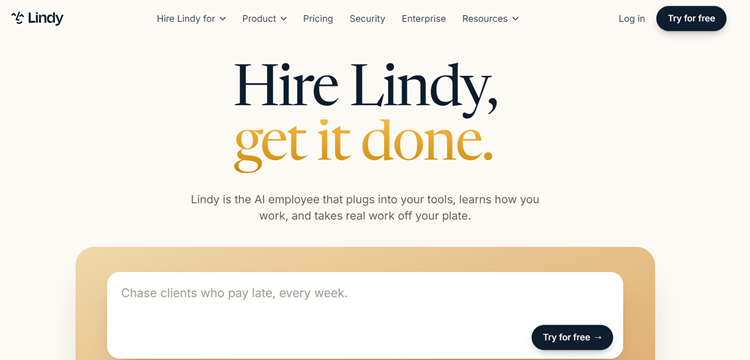
Lindy is a no-code assistant that reads the context of your email and drafts replies that sound like you. One recent comparison listed paid plans from about $29.99 a month, but confirm that on the official site. It is a good first stop if you want to learn how to create an AI agent without opening a code editor.
The Best Agent Frameworks to Create AI Agents
If you want full control over your AI agents, you build. These agent frameworks are the foundations most teams pick from, and all four are free to use, with you paying only for model usage and hosting. The LangChain guide to agent frameworks is a useful side-by-side if you want a second opinion.
12. LangGraph: Best Agent Framework for Complex, Stateful Workflows
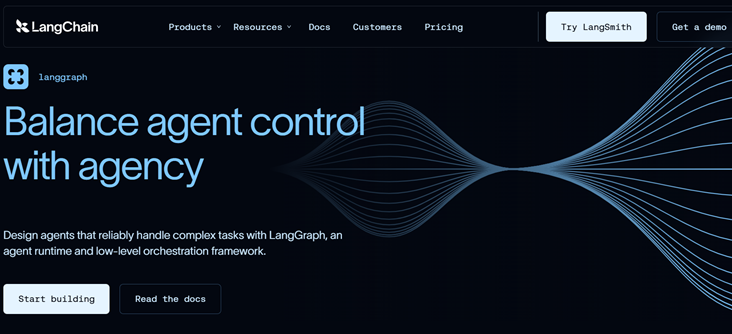
LangGraph models AI agents as a graph of steps with shared state, which makes branching, loops and retries explicit. That control is why it is widely described as the most battle-tested option for production. It is open source under the MIT license and Python-first. The tradeoff is a steeper learning curve, since you need to understand nodes, edges and state before you build much.
13. CrewAI: Best for Role-Based Multi-Agent Prototypes

CrewAI thinks in roles: a crew of AI agents, such as a researcher, a writer and a reviewer, each with its own tools and task. That mental model is why it wins on speed to a first working prototype. It is MIT licensed and has more than 50,000 GitHub stars. Many teams prototype their AI agents in CrewAI and move to something more controllable for production.
14. Claude Agent SDK: Best Ready-Made Harness for Claude-Native Agents
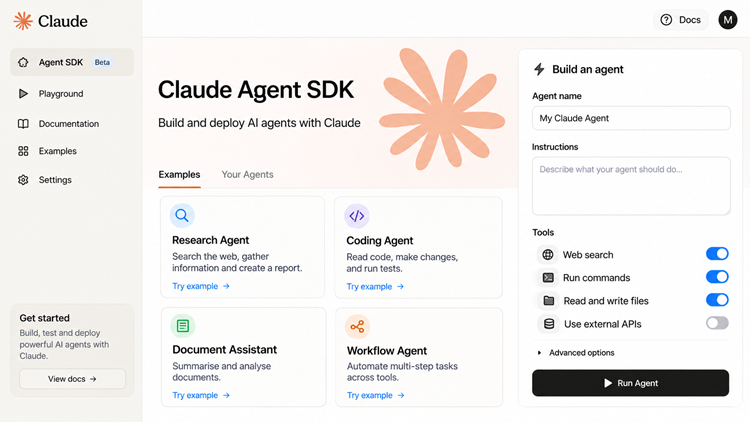
The Claude Agent SDK, available in Python and TypeScript, gives you the same agent loop that powers Claude Code, including built-in file and shell tools. It is the strongest option when you want AI agents that read files, run commands and edit code, and your stack is already Claude. The cost is lock-in: it is built around Anthropic’s models.
15. Google Agent Development Kit: Best for Teams on Google Cloud
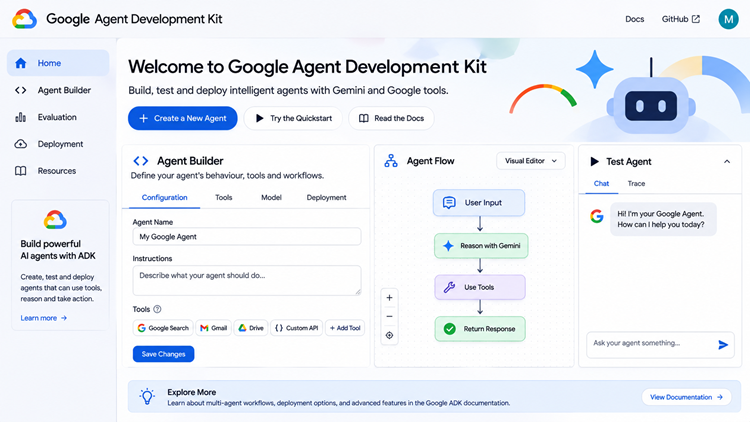
Google’s ADK, built for AI agents on Google Cloud, is an opinionated, batteries-included framework released under Apache 2.0, with support for Python, TypeScript, Java and Go. It includes built-in debugging tools and plugs into Vertex AI, so it fits teams already running on Google Cloud. If your team is committed to OpenAI instead, the lightweight OpenAI Agents SDK is the closest equivalent, with clean handoffs between agents and built-in guardrails.
How to Build an AI Agent: A Practical Starting Path
The honest answer to how to build an AI agent is that the first version is smaller than you think, and most useful AI agents start as one narrow tool. Anthropic’s own advice is to find the simplest solution possible and add complexity only when it is needed, and to start by calling a model API directly, since many patterns take only a few lines of code. Here is the path most beginners should follow.
Start With One Narrow Job
Pick a task that is repetitive, has a clear finish line and costs little if it goes wrong. A good example is a support triage agent that reads incoming emails, tags them and drafts a reply for a human to approve. A bad first project is “run my whole business.”
Choose Your Model and Agent Framework
If a ready-made tool already covers the job, renting one of the AI agents above beats building. If you want to create AI agents without code, Zapier Agents or Lindy will get you running in an afternoon. If you can code, pick from the frameworks above based on where you already work. Python teams with complex flows lean toward LangGraph, fast prototypers toward CrewAI, and vendor-committed teams toward that vendor’s SDK. If cost or privacy rules out a hosted API, you can also run open-weight models from Hugging Face behind your AI agents.
Give It Tools and Guardrails
Tools are how AI agents act: search, a database, an email draft, a calendar. Anthropic reported spending more time refining tools than the overall prompt while building its coding agent, so write clear tool descriptions and test them. Then add guardrails: keep human approval on anything that spends money, sends messages or deletes data.
Test, Measure and Widen Slowly
Run your AI agents on real examples, log what they do and review the failures. Only after they handle one job reliably should you hand them a second. A useful rule of thumb is to treat the agent like a new hire: supervised at first, trusted gradually.
In short, a workable first agent follows five steps:
- Define one narrow job and a clear finish line.
- Pick a no-code builder or a framework.
- Connect only the tools the job needs.
- Put approvals on risky actions.
- Test on real cases before widening scope.
How to Choose Among the Best AI Agents
Skip the benchmarks and ask four questions. Where does your work already live? AI agents are only as useful as the apps they can reach, so Google users should look at Spark, Microsoft shops at Copilot Cowork and ChatGPT users at Dots. Should it use your own logins? Browser agents that use your accounts are convenient, but mistakes happen in your real accounts. How often will it run? Almost all AI agents meter usage, so a few tasks a week suits a $20 plan and daily marathon runs usually do not. And what does a mistake cost? If the answer is “a lot,” keep approvals switched on.
Different AI agents suit different people, and a quick scenario makes it concrete. A freelance marketer who lives in Gmail and Google Docs gets more from Spark than from a framework. A three-person startup shipping a product gets more from Claude Code or Codex. A developer building a customer-facing assistant should be reading framework docs, not product pages.
AI Agents FAQ
Which AI agents are best for coding right now?
There is no single winner, but Claude Code is the pick most independent roundups name for difficult, multi-file work, while Cursor suits people who prefer an editor and Codex suits cloud delegation. The best AI agent for coding is the one that matches how you already work, so try two on a real task before committing.
How do I create AI agents without coding?
Use a no-code builder such as Zapier Agents or Lindy to create AI agents. You describe the job, connect your apps and set approval steps, and the platform handles the model calls and tool use. Start with one workflow and expand once it runs reliably.
Which agent framework should a beginner pick?
CrewAI is the quickest to a working prototype because roles are easy to reason about. If you already know your cloud or model provider, the matching SDK from OpenAI, Anthropic or Google will feel more natural. Most of the open source AI agent frameworks are free, so the real cost is your time.
Are AI agents safe to use?
AI agents are safe enough for low-stakes tasks when used with care. The main risk is hidden instructions on web pages that try to hijack a browsing agent. Keep approvals on for payments and sensitive accounts, and avoid giving any agent more access than the job needs.
How much do AI agents cost?
Entry plans for consumer AI agents cluster around $20 a month, with heavier tiers at $100 to $200. Business tools such as Microsoft Copilot Cowork add per-user fees and usage credits. Frameworks are free, but you pay for model usage and hosting.
Start With One Agent This Week
The best way to learn what AI agents can do is to give one a real, repetitive task for a week. Pick one of the best AI agents from this list that fits where you already work, set a simple approval rule and see what it saves you. If you want a wider view, browse the Techtoric tools directory to compare more options, then tell us in the comments which agent earned a permanent place in your workflow. If this guide helped, share it with a teammate who is still deciding where to start.