
Most small businesses do not have a workflow problem so much as a copy-and-paste problem. A lead arrives through a form, someone pastes it into a spreadsheet, someone else pings Slack, and a third person drafts the follow-up email by hand. Free AI automation tools can lift that whole chain off your plate, and you no longer need a budget to start. The catch is that “free” means very different things from one product to the next. Some cap you at 100 tasks a month. Others are free forever but expect you to run your own server. This guide sorts out which is which, so you can pick the best free AI automation tools for the way your team actually works.
Pricing and limits below were checked in November 2026 against official pages and documentation. Free plans change often, so confirm the numbers on each vendor’s site before you build anything important.
How These Free AI Automation Tools Were Chosen
A good free tool has to do real work, not just demo well. Each pick on this list met four tests:
- A genuinely free option exists, either a free cloud plan or free self-hosted software
- It supports free AI workflow automation, meaning AI steps, agents or MCP support, not only simple triggers
- The free limits are published, so you can estimate your own usage
- It is maintained and documented well enough to rely on for business use
Free AI automation tools that only offer a short trial were left out, even popular ones. That is why you will not find a few well-known names here.
The 10 Best Free AI Automation Tools for Business
1. n8n: Best for Unlimited Runs If You Can Self-Host
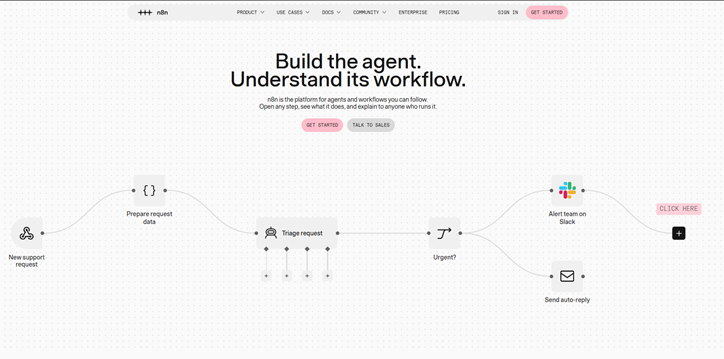
n8n is the name that comes up first whenever someone asks about ai automation tools with no restrictions free, and for once the reputation is earned. The self-hosted Community Edition has no execution cap and no workflow cap, and n8n’s own deployment guide describes it as free with almost the complete feature set. n8n Cloud, by contrast, has no permanent free plan, only a 14-day trial, so the free route means running it yourself.
A small virtual server usually costs a few dollars a month, and that is where the real price hides: uptime, backups and updates become your job. The visual canvas handles branching, code steps and AI nodes, so you can build an agent that reads incoming support emails, sorts them and drafts replies. One licensing note: n8n uses a Sustainable Use License, which suits internal business use but does not allow reselling n8n as a product.
- Free offer: Self-hosted Community Edition with unlimited executions
- Best for: Technical founders and ops teams who want zero task limits
2. Zapier: Best for Beginners Who Do Not Code
Zapier’s Free plan includes 100 tasks per month, shared between Zaps and MCP server actions, according to Zapier’s help center. You can build unlimited Zaps, but they are limited to two steps, and polling triggers check for new data every 15 minutes. The plan also bundles Tables, Forms, a Copilot with a daily message cap, and free versions of Zapier Agents and Chatbots.
That makes it the gentlest on-ramp if nobody on your team writes code. A realistic starter job: when a new form response arrives, add a row to a sheet and notify the sales channel. That is one task per run, so roughly 100 runs a month before you hit the ceiling. Anything with three or more steps pushes you onto a paid plan. Among free AI automation tools for business, it is still the easiest to learn.
- Free offer: 100 tasks a month, two-step Zaps, one user
- Best for: Non-technical teams testing their first automations
3. Make: Best Visual Builder on a Free Plan
Make’s free plan gives you 1,000 credits a month, two active scenarios and a 15-minute minimum interval between scheduled runs, with access to more than 3,000 apps. Each module action costs one credit, so the math matters. A five-module scenario that runs 100 times a month uses about 500 credits, which fits comfortably. A 20-step scenario running hundreds of times will not.
Where Make shines is readability. Routers and filters are drawn on the canvas as branches, so you can see exactly where a lead goes when it does not match your rules. That makes it one of the best free AI automation tools for visual thinkers. You can compare current tiers on Make’s pricing page.
- Free offer: 1,000 credits a month, 2 active scenarios
- Best for: Teams that want branching logic they can actually see
4. Activepieces: Best Open-Source Alternative to Zapier
Activepieces pairs a Zapier-style builder with an MIT-licensed Community Edition that you can self-host for free, with no cap on tasks. It supports AI agents and the Model Context Protocol, which lets tools like Claude Desktop or Cursor call your integrations directly. Its cloud product also has a free tier, though limits there have shifted over time, so check the pricing page before you commit.
Because the license is permissive, it is a safer pick than most if you plan to build automations for clients. Enterprise features such as SSO sit under a separate commercial license.
- Free offer: Free self-hosted Community Edition, plus a limited cloud tier
- Best for: Agencies and teams that want open source without license worries
5. Pabbly Connect: Best for Light Automations With Free Internal Steps
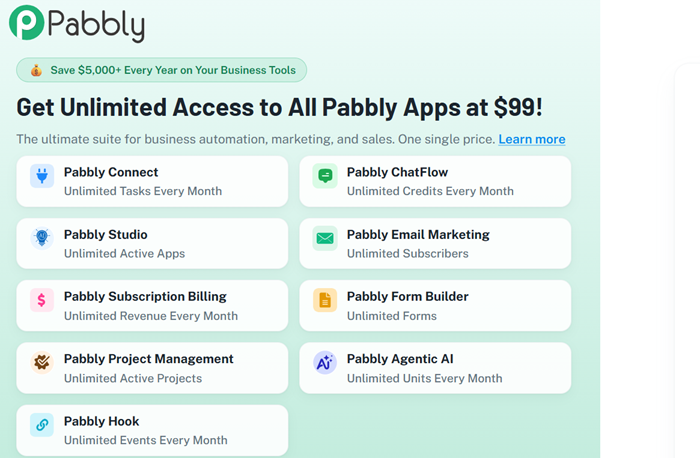
Pabbly Connect offers a free plan with 100 tasks a month and no credit card. Its quiet advantage is that internal steps such as filters, routers and formatters do not count as tasks, so a workflow that cleans and routes data before one final action stays cheap. Pabbly also sells an AI agent product in its wider bundle, with a small free allowance.
Plan details vary between review sites, so read the free-plan page for current workflow and step caps before you design around them.
- Free offer: 100 tasks a month, no credit card
- Best for: Budget-conscious teams moving off paid automation plans
6. Dify: Best for Internal AI Assistants and Knowledge Bots
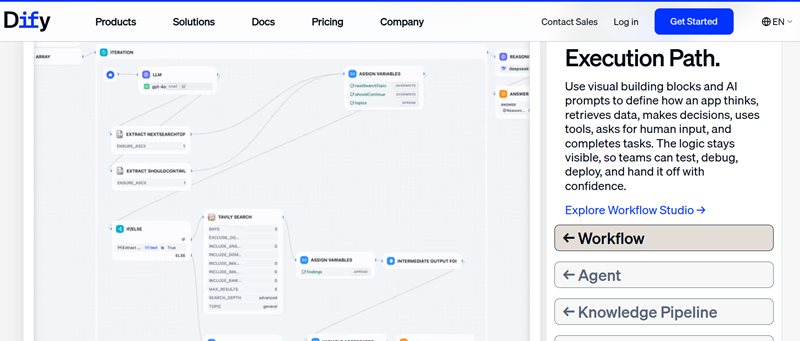
Dify is an open-source platform for building AI apps, agents and workflows on a visual canvas, with retrieval over your own documents built in. The Community Edition is free to self-host with Docker Compose and needs at least two CPU cores and 4 GB of RAM. The hosted Sandbox plan is free but small, at 200 message credits.
Think of a support assistant that answers from your help-center articles, or an internal bot that explains HR policy. Dify’s license is based on Apache 2.0 with extra conditions, so read it if you plan to offer Dify as a hosted service to others.
- Free offer: Self-hosted Community Edition, plus a 200-credit cloud sandbox
- Best for: Teams building chat assistants grounded in company documents
7. Langflow: Best Free Builder for Turning Flows Into MCP Tools
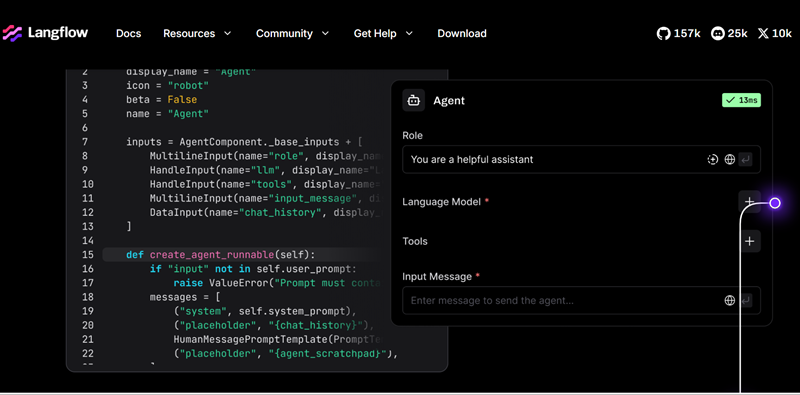
Langflow is an MIT-licensed visual builder for AI agents and retrieval pipelines. You can install it with Python, run it as a desktop app on Windows or macOS, and publish any flow as an API or an MCP server. You pay only your model provider, since the software itself is free.
It leans technical. Basic flows work without code, but custom components require Python, so it fits best when at least one person on the team is comfortable there.
- Free offer: Free and open source under the MIT license
- Best for: Developers and technical operators prototyping agents
8. Flowise: Best for Visual Multi-Agent Flows
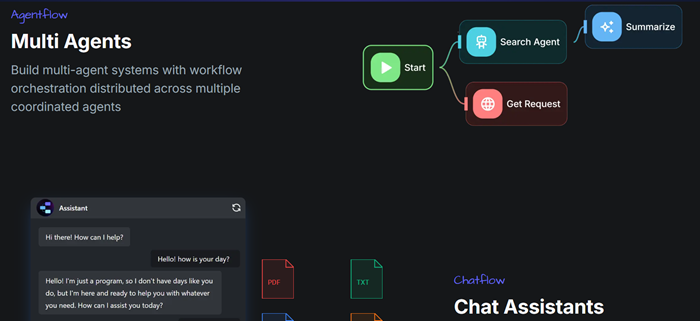
Flowise is an Apache 2.0 project that you can self-host for free with npm or Docker. Its Agentflow mode adds branching, looping and multi-agent routing on top of simpler chatflows, which is useful when one agent should hand a task to another. Workday acquired Flowise in August 2025, and the self-hosted path has stayed open source.
The managed cloud is a paid product, so treat Flowise as free only if you host it yourself.
- Free offer: Free self-hosted software under Apache 2.0
- Best for: Builders who want drag-and-drop multi-agent workflows
9. CrewAI: Best for Role-Based Teams of AI Agents
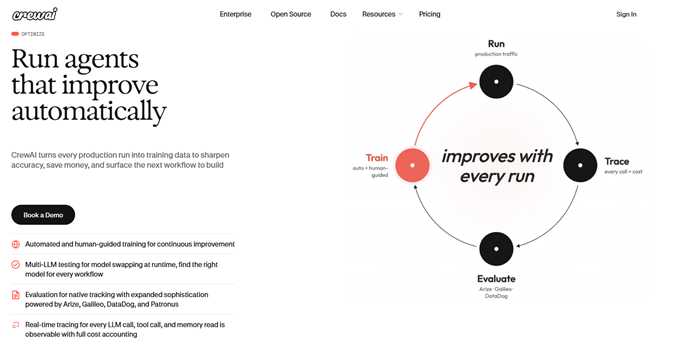
CrewAI is an MIT-licensed Python framework where you define agents with roles and goals, then let them collaborate as a crew. Installing it costs nothing, and its hosted platform lists a free plan with 50 workflow executions a month. The bigger bill is usually tokens. Every agent in a crew makes its own model calls, and handoffs pass context along, so multi-agent runs can get expensive fast on paid models.
It suits research and content pipelines, such as one agent gathering sources and another drafting a summary for review.
- Free offer: Free open-source framework, plus 50 hosted executions a month
- Best for: Developers building research or content pipelines
10. LangGraph: Best for Reliable, Long-Running Agents
LangGraph is an MIT-licensed framework from the LangChain team for building stateful agents as graphs. Its strengths are durable execution, so an agent can resume after a failure, and human-in-the-loop checkpoints, so a person can approve a risky action. Real Python’s overview confirms the license and Python 3.10 requirement.
It is low level on purpose, which means code, not a canvas. Paid extras such as LangSmith for tracing are optional, not required.
- Free offer: Free open-source framework under the MIT license
- Best for: Engineering teams that need agents with approvals and recovery
How to Choose Free AI Workflow Automation Without Hitting a Wall
Free AI Workflow Automation for Non-Developers
If your team lives in spreadsheets and inboxes, start with Zapier, Make or Pabbly Connect. The number to watch with any of these free AI automation tools is tasks multiplied by steps. A workflow with four billable steps that runs 300 times a month burns 1,200 tasks or credits, which blows through every free plan on this list. Work backward from your real volume before you pick, and build the smallest useful automation first.
Self-Hosting and the Truth About No Restrictions
Nothing is truly unrestricted, and even the best free AI automation tools have limits. Self-hosted tools like n8n, Activepieces, Dify, Langflow and Flowise remove execution caps, but you take on server costs, security updates, backups and, for AI steps, model usage fees. For a team with one technical person, that trade is often worth it. For a team with none, a capped cloud plan is usually the safer choice.
Agentic AI Tools Free: What You Actually Get
Most agentic ai tools free offers fall into two groups: visual platforms such as Dify and Flowise, and code frameworks such as CrewAI and LangGraph. The software is free, but autonomous agents spend tokens every time they plan, call a tool or retry. Keep a human approval step on anything that sends money, email or customer data, and cap model spend before you let an agent run unattended.
A Simple Plan for Your First Week
- Pick one repetitive task that touches two or three apps
- Choose a cloud tool from this list if you do not code, or a self-hosted one if you do
- Draft your prompts and sample data in ChatGPT before wiring them into a workflow
- Run it for a week and compare the tasks used against the free limit
To widen your shortlist, browse the AI tools on Techtoric, the productivity tools that pair well with automation, and the business and management software category. If your goal is lead handling or campaigns, the marketing and sales tools category is a good next stop.
Frequently Asked Questions
Is there any truly free AI workflow automation?
Yes, in two forms. Cloud tools such as Zapier and Make have permanent free plans with small monthly limits, and open-source tools such as n8n and Activepieces are free to self-host without execution caps. In both cases, other costs remain, such as servers or AI model usage.
Which free AI automation tool is best for beginners?
Zapier is the easiest starting point because setup is guided and nothing needs hosting, though its free plan is limited to two-step Zaps and 100 tasks a month. Make is a close second if you prefer to see branching logic on a canvas.
Are there AI automation tools with no restrictions free?
Not literally. The closest options are self-hosted open-source tools, which have no usage meter, but they still have license terms and running costs. n8n’s Sustainable Use License, for example, limits commercial resale.
Are agentic AI tools free to use?
The frameworks are. CrewAI and LangGraph are open source under the MIT license, and Dify and Flowise can be self-hosted free. What you pay for is the language model behind the agents, plus hosting if you deploy them.
How many tasks do I really get on a free plan?
It depends on the tool: 100 tasks a month on Zapier and Pabbly Connect, 1,000 credits on Make, and unlimited runs on self-hosted n8n or Activepieces. Remember that one workflow run can use several tasks or credits.
Which Free AI Automation Tool Should You Start With?
If you do not code, open a free Zapier or Make account this week and automate one small, annoying task. If someone on your team is comfortable with Docker, spin up n8n or Activepieces and enjoy a workflow engine with no meter running. If you want agents that reason and act, try Dify or Flowise first, then move to CrewAI or LangGraph once you know what you need.
Have a free tool that earned a permanent spot in your stack? Tell us in the comments which one it is and what it automates. For more comparisons, explore the full Techtoric tools directory and the latest guides on the Techtoric blog.