
AI is changing how developers write, test, and maintain software. Tasks that once required hours of repetitive coding can now start with a simple instruction, a code suggestion, or a conversation with an AI assistant. But choosing the best AI tools for coding is not as simple as picking the most popular name.
Some tools work directly inside your code editor, helping you complete functions and identify errors. Others can modify multiple files, run commands, and help build an application from a natural-language description. A few are designed for people who want to create software without writing every line themselves.
The right AI tool for coding depends on your experience, programming language, budget, and the type of project you want to build. This guide compares ten notable options, explains where each one fits, and shows you how to choose a tool that improves your workflow without compromising code quality.
10 Best AI Tools for Coding
The tools below cover different development needs, from writing code in an existing editor to building a working application from a prompt. They are not ranked by a single benchmark. The most useful choice depends on how much control you need and how you prefer to work.
Quick comparison
| AI coding tool | Best for | Main advantage |
| GitHub Copilot | Everyday development | IDE integration |
| Cursor | Full-stack developers | AI-assisted, multi-file editing |
| Claude Code | Complex coding tasks | Terminal-based coding agent |
| OpenAI Codex | Delegated development work | Agent-driven coding |
| Gemini Code Assist | Google Cloud developers | Google ecosystem integration |
| Windsurf | AI-first coding workflows | Agentic development |
| Replit | Beginners and rapid prototyping | Browser-based development |
| Lovable | Web application creation | Prompt-to-app workflow |
| Bolt.new | Fast web prototypes | Browser-based app building |
| Tabnine | Teams with privacy requirements | Enterprise-oriented AI assistance |
1. GitHub Copilot
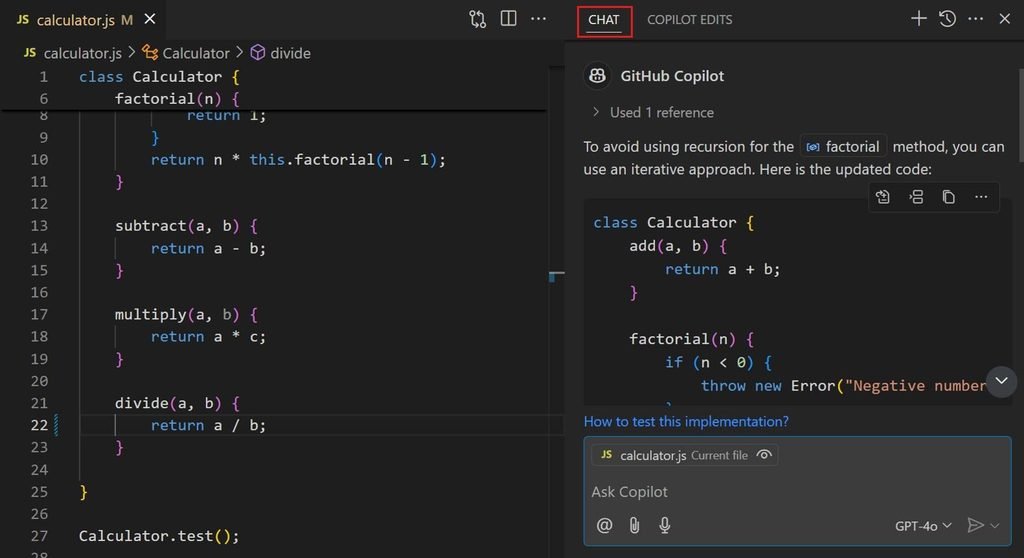
GitHub Copilot is a practical starting point for developers who want AI assistance without completely changing their existing workflow. It integrates with supported development environments and can suggest code, explain unfamiliar functions, help write tests, and assist with debugging.
Its agent mode goes beyond autocomplete. Developers can describe a task, allow Copilot to inspect relevant files and propose changes, then review the results and run tests. This makes it useful for both routine programming and larger development tasks.
Copilot is particularly suitable for developers who already work with GitHub repositories and want AI assistance within their normal development process. However, suggestions still need to be checked for correctness, security and compatibility.
Best for: Developers who want a versatile assistant inside their existing IDE.
2. Cursor
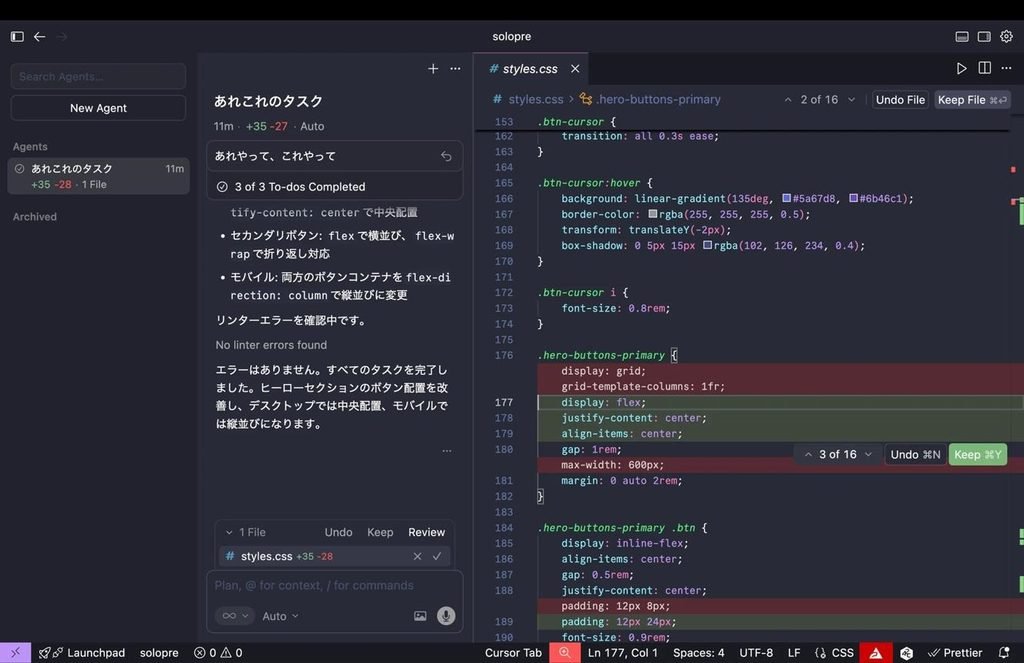
Cursor is an AI-focused code editor designed to help developers understand, modify and build software. Rather than limiting assistance to the current line of code, it can work with a wider codebase and make coordinated changes across multiple files.
For example, suppose you want to add user authentication to a web application. You can ask Cursor to inspect the existing project, identify the relevant components, propose an implementation plan and make the required changes. You then review the edits and test the feature.
Cursor’s agent workflow supports codebase searches, file editing and terminal commands. Its documentation also recommends planning larger changes before allowing an agent to implement them.
The main consideration is that AI-generated changes can introduce bugs or conflict with existing architecture. Cursor is most useful when developers understand the project well enough to review what the agent produces.
Best for: Full-stack developers working on existing applications or complex codebases.
3. Claude Code
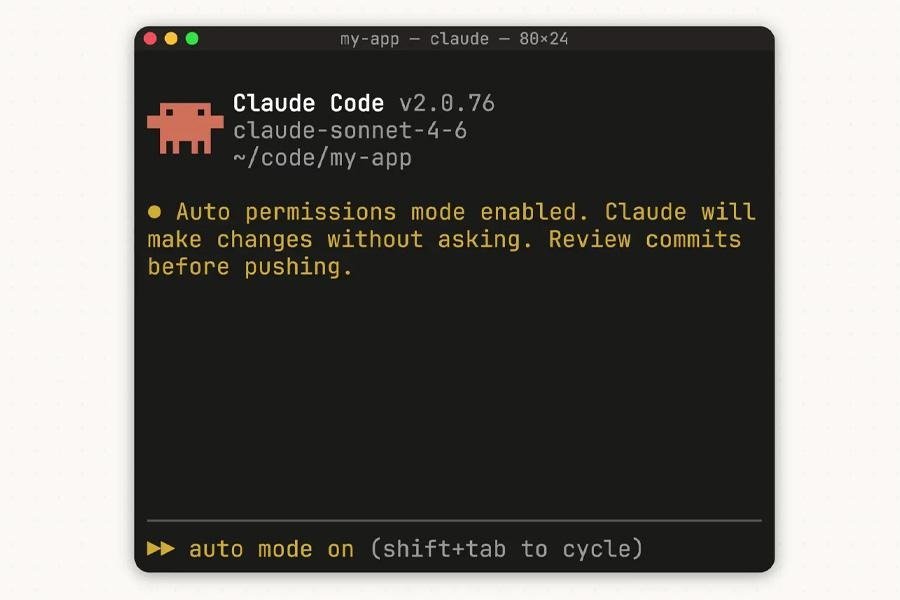
Claude Code is a coding agent that works with a project’s files and development tools. It is particularly relevant when a task requires more than generating an isolated code snippet.
A developer can ask it to investigate an error, trace how a function is used across a project, modify relevant files, or help implement a feature. Its terminal-based workflow makes it useful for developers who are comfortable working with command-line tools.
Consider a WordPress developer trying to understand why a custom plugin conflicts with another plugin. Instead of asking an AI to guess from a short error message, the developer can provide access to the relevant project context and ask for an investigation. The proposed fix must still be tested in a safe environment.
Claude Code is a strong option for repository-level work, but it may be less convenient for someone who prefers a simple visual interface and has little experience with development environments.
Best for: Developers handling multi-file changes, debugging and complex coding tasks.
4. OpenAI Codex
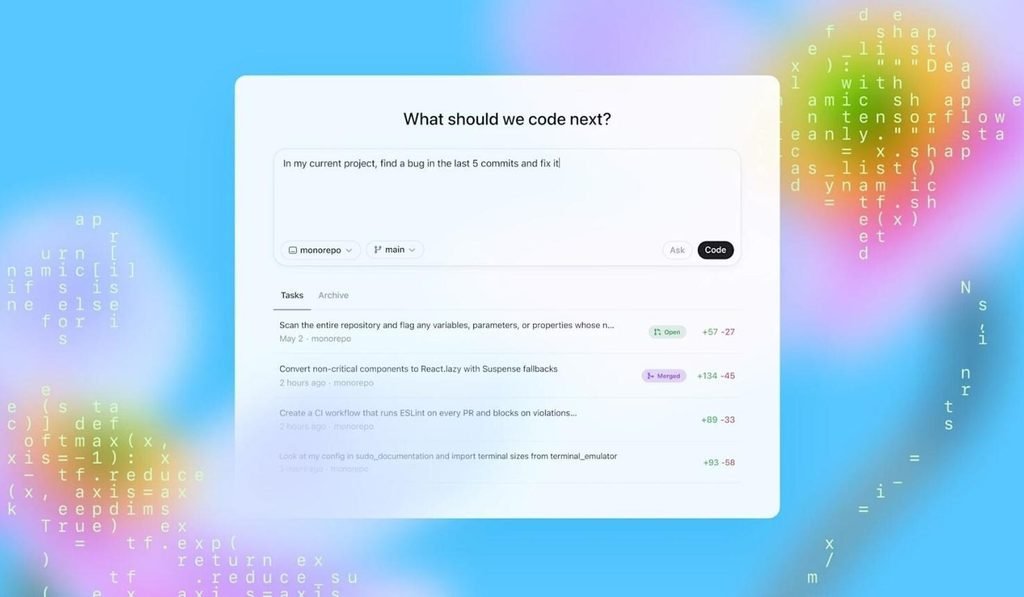
OpenAI Codex is designed to help developers delegate software engineering tasks to AI agents. Depending on the available interface and configuration, it can work on coding tasks, inspect a repository, make changes and help validate the implementation.
One useful scenario is assigning a well-defined task, such as adding input validation to a form or writing tests for an existing function. The developer can specify the expected behaviour and review the resulting changes before merging them into the main codebase.
Codex is worth considering if you want an AI assistant to handle defined pieces of development work while you concentrate on architecture, requirements and code review. It is not a substitute for understanding what the application should do.
Best for: Developers who want to delegate bounded coding tasks and review the results.
5. Gemini Code Assist
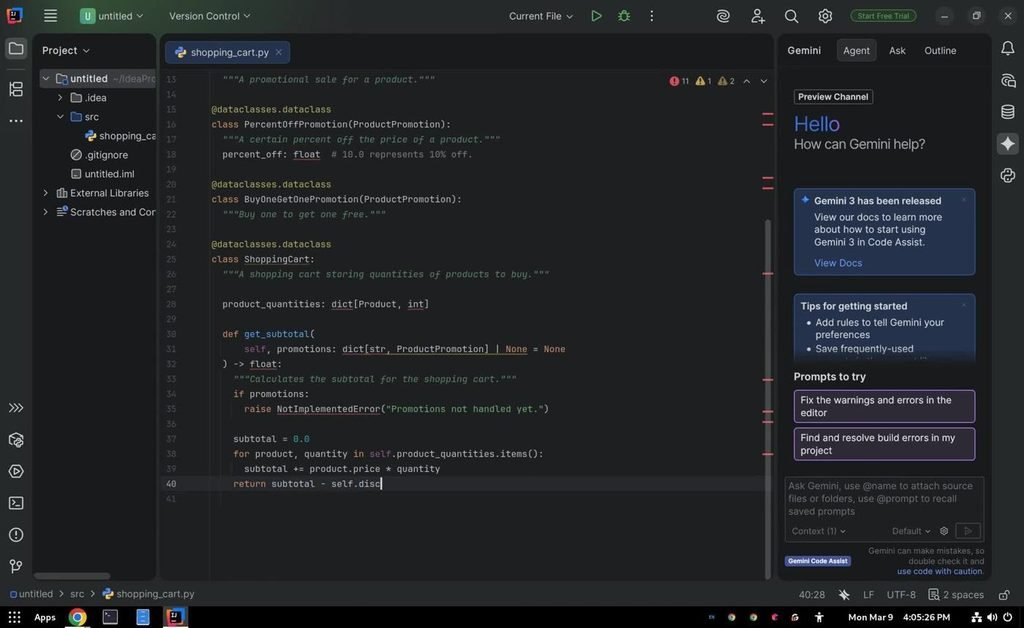
Gemini Code Assist provides AI-powered coding assistance for developers working in supported development environments. It can help with code generation, explanations, debugging and other programming tasks.
Its Google ecosystem connections make it worth evaluating if your work involves Google Cloud or related development services. A developer maintaining a cloud application, for instance, may want assistance understanding code, writing tests or working through implementation questions without switching constantly between tools.
Before choosing a plan, check the current supported IDEs, usage limits and features. Capabilities may differ between individual and enterprise offerings.
Best for: Developers working with Google technologies and cloud-based applications.
6. Windsurf
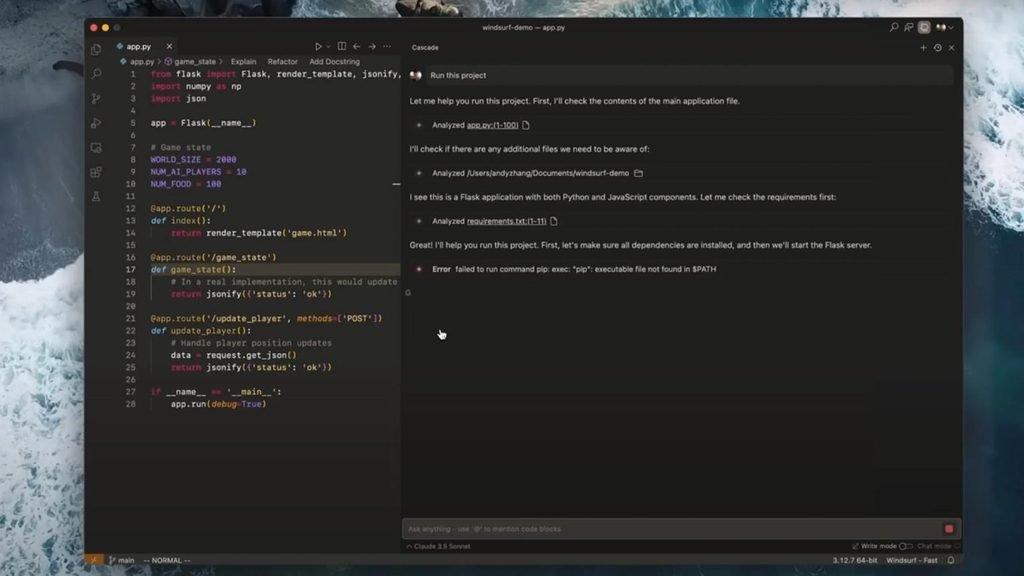
Windsurf is an AI-oriented development environment built around an interactive coding workflow. Its agent-based approach is intended to help developers move from a request to code changes while retaining the ability to guide and review the work.
For example, you could ask an AI coding agent to add a settings page to an existing application, explain the expected behaviour and request that it follow the project’s current design patterns. The important part is giving it enough context to work within the existing application instead of creating disconnected code.
Windsurf is worth comparing with Cursor and GitHub Copilot if you want AI assistance to play a larger role in your development process. Review current product ownership, available features and pricing before committing to a subscription, as these can change.
Best for: Developers who prefer an AI-first editor and agent-assisted workflow.
7. Replit
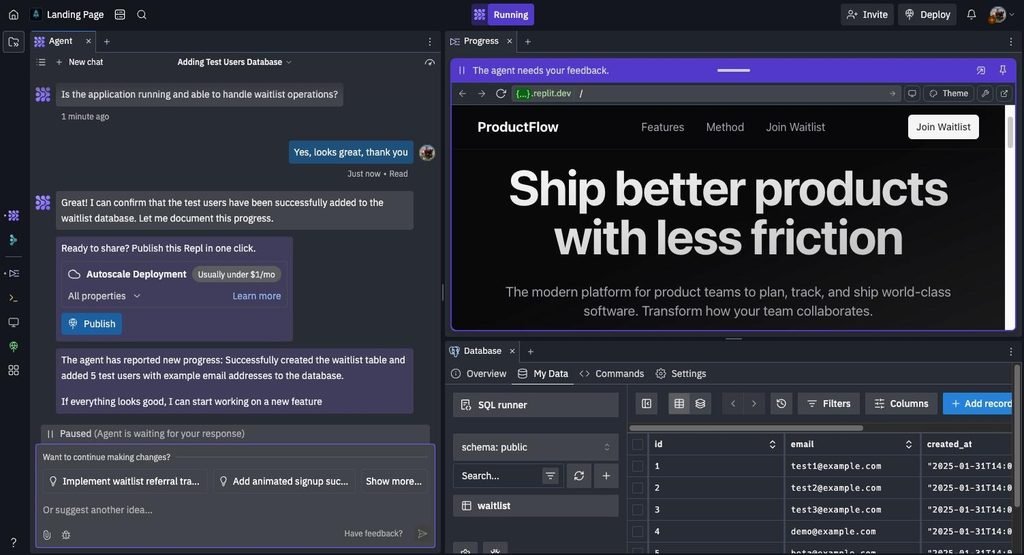
Replit is a browser-based development platform that helps users build, run and deploy applications. Its AI-assisted features make it useful for people who want to move from an idea to a working prototype without spending much time configuring a local development environment.
Imagine you want to build a basic expense tracker. You could describe the required screens, data fields and calculations, then use the platform to develop an initial version. You would still need to test the calculations, check how data is stored and confirm that the application handles errors properly.
Replit can be useful for beginners, students, entrepreneurs and developers who need to prototype ideas quickly. For larger production systems, evaluate deployment costs, data handling, integrations and how easily you can export or maintain the code.
Best for: Beginners, prototypes and browser-based application development.
8. Lovable
Lovable focuses on creating web applications from natural-language instructions. Instead of beginning with a blank code editor, users can describe the application they want and iteratively refine the generated interface and functionality.
For example, a small business owner could request a customer dashboard with a sign-in screen, profile section and service request form. The tool can help establish an initial version that the user then reviews and improves.
This is one of the more accessible options for AI tools for vibe coding, where a person describes the desired outcome, evaluates what the AI creates and continues refining it through prompts.
The limitation is that a convincing interface does not automatically mean the application is production-ready. Authentication, permissions, database rules, payment handling and security need careful testing.
Best for: Founders, designers and beginners building web application prototypes.
9. Bolt.new
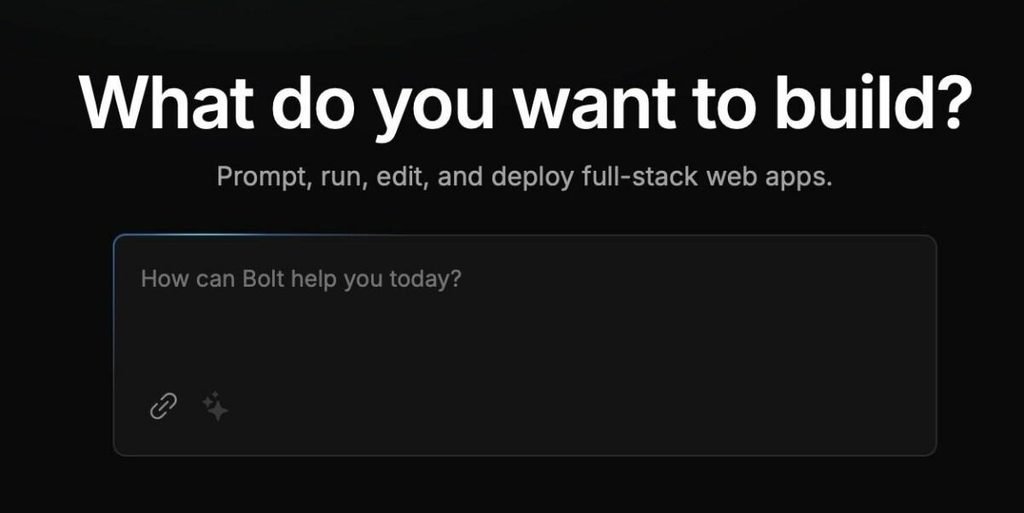
Bolt.new is a browser-based AI development tool for creating web applications from prompts. It is useful when you want to describe an idea, generate an initial project and refine the result without setting up every part of a local development environment first.
A practical example is a booking interface for a service business. You might ask for a responsive page with service options, booking fields and a confirmation screen. After generation, you can refine the layout and implement the backend connections the application needs.
Bolt.new is attractive for rapid prototyping, but generated projects still require testing across devices, browsers and realistic user scenarios. Before launching a project, confirm that forms submit correctly, sensitive data is protected and any connected services are configured properly.
Best for: Rapid web development, experiments and early-stage products.
10. Tabnine
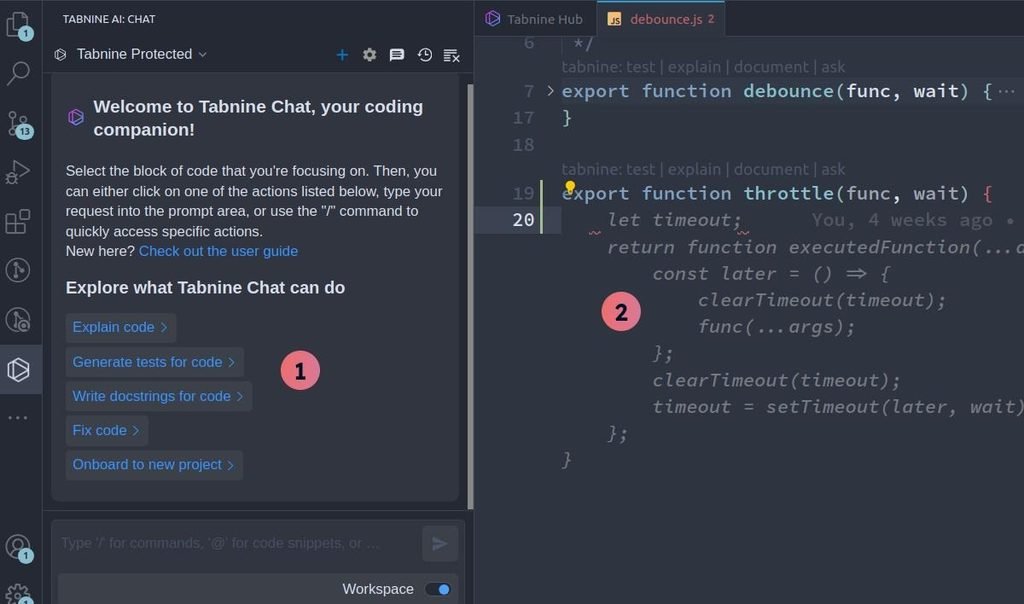
Tabnine is an AI coding assistant worth considering when a team wants coding support alongside additional controls around its development environment and data. Its offering has included code completion and AI assistance designed for professional software teams.
For organisations working with proprietary code, the buying decision should go beyond how quickly an assistant generates a function. Teams should examine data retention, model processing, access controls, deployment choices and contractual terms.
Tabnine may suit organisations that need a more controlled approach to AI-assisted development. Confirm the current plan and deployment options against your company’s security requirements before adopting it.
Best for: Development teams evaluating privacy, governance and enterprise coding assistance.
Which AI tool is best for coding?
The best AI tool for coding depends on what you need it to do. There is no single winner for every programming task, and a tool that works well for an experienced developer may feel unnecessarily complicated to a beginner.
Here is a practical way to narrow your options.
- For everyday programming: Start with GitHub Copilot if you want AI assistance inside your existing development environment.
- For full-stack development: Consider Cursor or Claude Code when you need help understanding and changing multiple files.
- For building an app from a prompt: Try Lovable, Bolt.new or Replit if your priority is getting a prototype running quickly.
- For delegated coding tasks: Compare OpenAI Codex with other coding agents and assess how each handles your repository, tests and review process.
These recommendations are based on their general workflows and intended use cases, not a controlled benchmark in which every tool was tested on identical tasks.
What are AI tools for coding, and how do they work?
AI coding tools use machine learning models to assist with software development. Depending on the product, they can generate code, explain programming concepts, suggest fixes, write tests or perform multi-step tasks across a project.
Traditional autocomplete suggests what you might type next. More advanced coding agents can inspect files, plan changes, execute commands and evaluate the results. GitHub Copilot and Cursor both document workflows that extend beyond simple code completion.
For example, you could ask an AI assistant to create a Python function that validates email addresses. A more advanced request might ask an agent to locate every place where user input is processed, add validation, update relevant tests and explain the changes.
The second task requires more context and coordination. It also creates more opportunities for errors, which is why human review remains important.
If you want to understand the wider AI ecosystem, browse the Techtoric technology tools directory for tools that support software development and other technical workflows.
AI tools for vibe coding: What should you use?
Vibe coding involves describing an application in ordinary language and using AI to generate and refine the software. Instead of manually writing every component, you guide the development process through instructions, feedback and testing.
It can be helpful for creating prototypes, internal dashboards, simple websites and early versions of product ideas.
Lovable and Bolt.new are worth trying if you want to generate a web application from prompts. Replit is another option when you want an online environment for building and running a project.
However, vibe coding has limits. An application can look finished while still containing broken features, weak access controls or insecure data handling. A payment form, for example, needs more than a visually convincing checkout page. It needs a properly implemented payment integration and server-side validation.
Start with a small feature, inspect the generated code and test each important action before expanding the application. For anything that handles personal information, payments or business-critical data, obtain an appropriate security review.
How to choose the best AI coding tools for developers in 2026
Before paying for an AI coding assistant, evaluate how it performs on your actual work rather than relying entirely on demonstrations.
1. Check language and framework support. If you work with PHP, JavaScript, Python, React or WordPress, make sure the tool can handle your stack and understand the structure of your projects.
2. Test it on a real task. Give two shortlisted tools the same small bug fix or feature request. Compare the quality of the output, the amount of correction required and whether the tests pass.
3. Consider the total cost. Review subscription prices, usage limits, model access and any additional charges. A low entry price may not mean the best value if your workflow consumes usage allowances quickly.
4. Check privacy and security. Understand how the provider processes code, what data may be retained and what controls are available for private repositories or business projects.
5. Measure the time saved. Track how long it takes to complete a task, including reviewing and correcting AI-generated changes. Faster code generation does not necessarily mean faster delivery if debugging takes longer.
For a developer who maintains several client websites, a good tool should reduce repetitive work without creating additional maintenance problems. For someone building a first application, an accessible interface and a straightforward testing process may matter more than advanced agent features.
How to get better results from AI coding tools
The quality of the instructions you provide can make a noticeable difference to the output.
Instead of asking an AI to “build a website,” describe the intended users, required functionality, technical environment and constraints. Tell it what the application should do, what it should not change and how success will be tested.
For example, a more useful prompt for a WordPress project would be:
Review my existing WordPress child theme before making changes. I need a responsive tool directory template with a tool description, developer information, pricing details, pros and cons, and related tools. Follow the existing theme structure, avoid modifying unrelated files, explain the proposed changes first, and identify how I can test the template safely.
This gives the assistant a clearer objective and reduces the chance of unnecessary changes.
It also helps to work incrementally. Ask the tool to explain its plan, implement one feature, review the changes and run relevant tests before moving to the next feature. Keep backups and use version control so that you can recover from mistakes.
FAQs: Best AI Tools for Coding
What is the best AI tool for coding for beginners?
Replit, Lovable and Bolt.new are good starting points for people who want to create applications without setting up a full local development environment. GitHub Copilot can also help beginners learn by explaining code and suggesting examples. The best choice depends on whether you want to learn programming or build an application with minimal manual coding.
Which AI tool is best for coding in Python?
GitHub Copilot, Cursor, Claude Code and OpenAI Codex are worth comparing for Python development. They can assist with code generation, debugging, test writing and project-level tasks. Test your preferred tool on your own Python framework and development workflow before choosing a paid plan.
Are AI coding tools free?
Some AI coding tools offer free plans or limited free usage, while others require subscriptions or charge according to usage. The exact limits and features can change. Check the official pricing page before committing to a tool, particularly if you expect to use it for long coding sessions.
Can AI coding tools replace software developers?
AI coding tools can automate parts of development, but they do not remove the need for engineering judgment. Developers still need to define requirements, choose suitable architectures, verify results, manage security and maintain applications over time. AI is most useful when it supports those responsibilities rather than replacing review entirely.
What is the difference between AI coding assistants and vibe coding tools?
AI coding assistants generally support developers working in an existing code editor or codebase. Vibe coding tools place more emphasis on describing an application in natural language and refining what the AI generates. The categories overlap, and some products support both approaches.
Which AI coding tool should you choose?
The best AI coding tool is the one that fits your development process, produces reliable results and saves time after testing and review are included.
GitHub Copilot is a sensible starting point for developers who want assistance in an established IDE. Cursor and Claude Code are strong candidates for more involved codebase work. OpenAI Codex is worth evaluating for delegated tasks, while Replit, Lovable and Bolt.new are useful options for rapid prototyping and prompt-driven development.
Do not choose solely on popularity or the number of features advertised. Try a representative task, verify the output and compare the total cost against the time saved.
For more software recommendations, visit Techtoric and browse the ChatGPT tool listing for another look at AI technology.